iPhone · iPad · iOS 17.0+
See the timethat's left
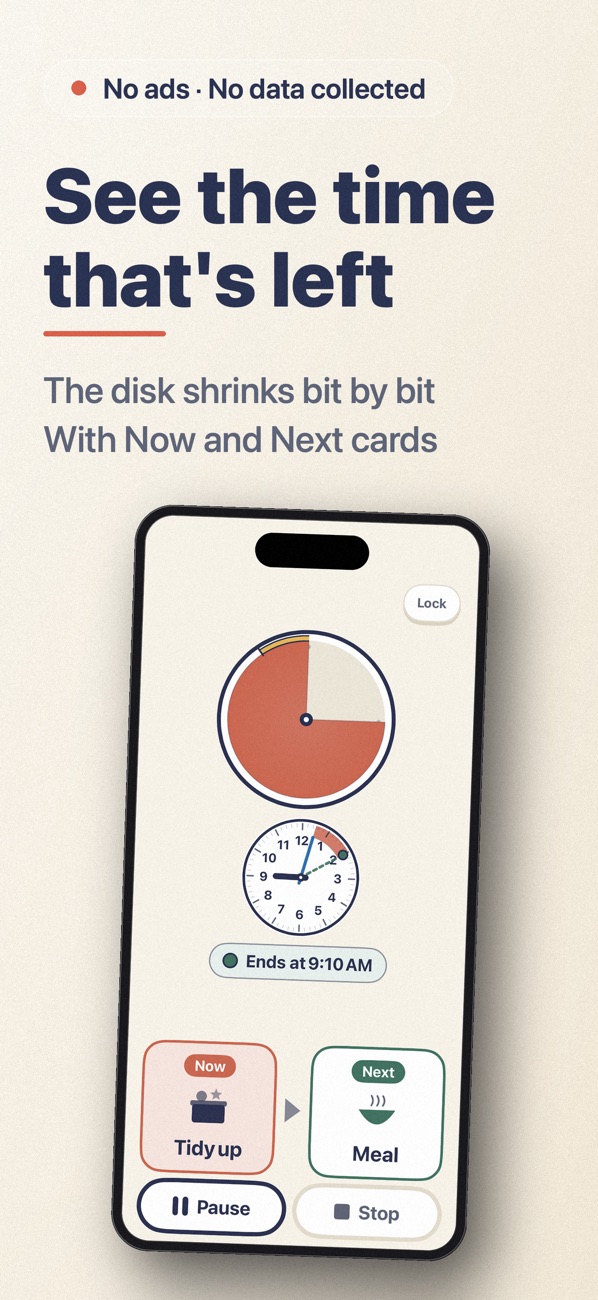
Mieru shows the time left as an amount. Kids who can't read numbers yet watch the disk or bar shrink and see the end coming.
Scan with your iPhone
What it does
- 01
Now → Next
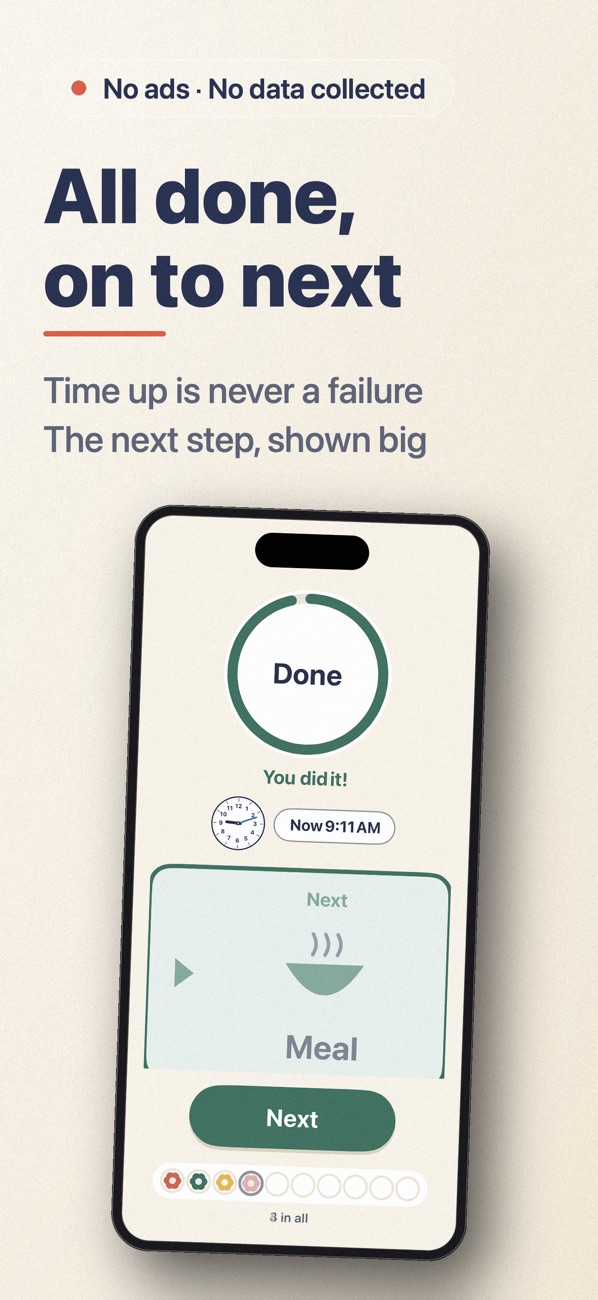
Add "Now" and "Next" cards (tidy up → dinner). Near the end the Next card stands out. When time is up, a green ring closes, "Done" appears and the Next card shows big. Running out of time is never a failure. * Heads-ups and Now → Next draw on visual support ideas used in developmental care. No effect is guaranteed.
- 02
A clock shows when it ends
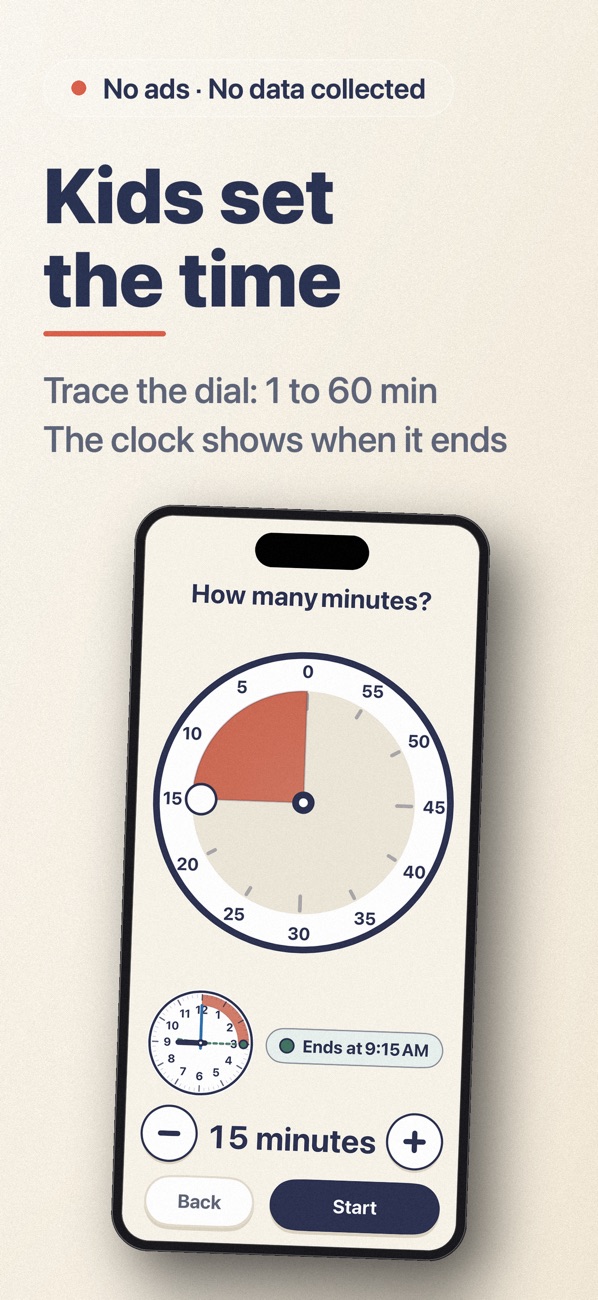
A clock beside the timer fills in the time left, with green dotted hands at the end time ("Ends at 3:15"). With "Set it myself", kids trace a 60-minute dial to choose the time. Parents can hide these.
- 03
Almost-done signal
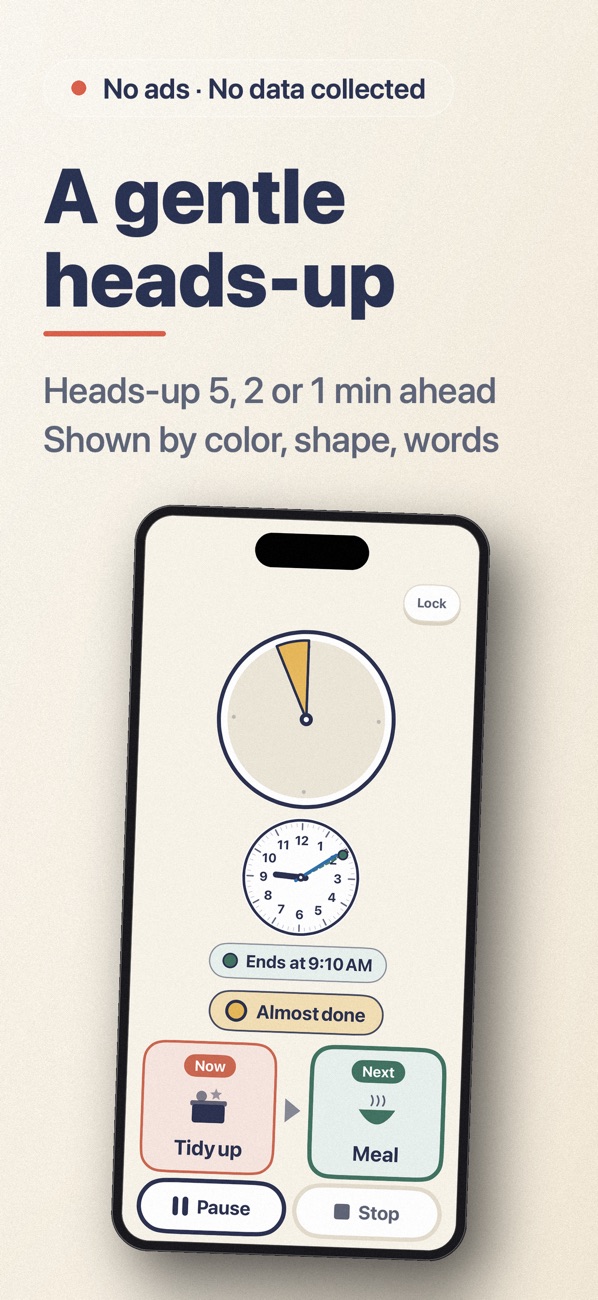
A heads-up 5, 2 or 1 minute before the end, or off. A thin arc on the edge marks the "almost done" zone. When time reaches it, it turns gentle yellow with a thick outline and "Almost done" appears; shape and words help if colors are hard to tell apart.
- 04
Keeps the timer safe
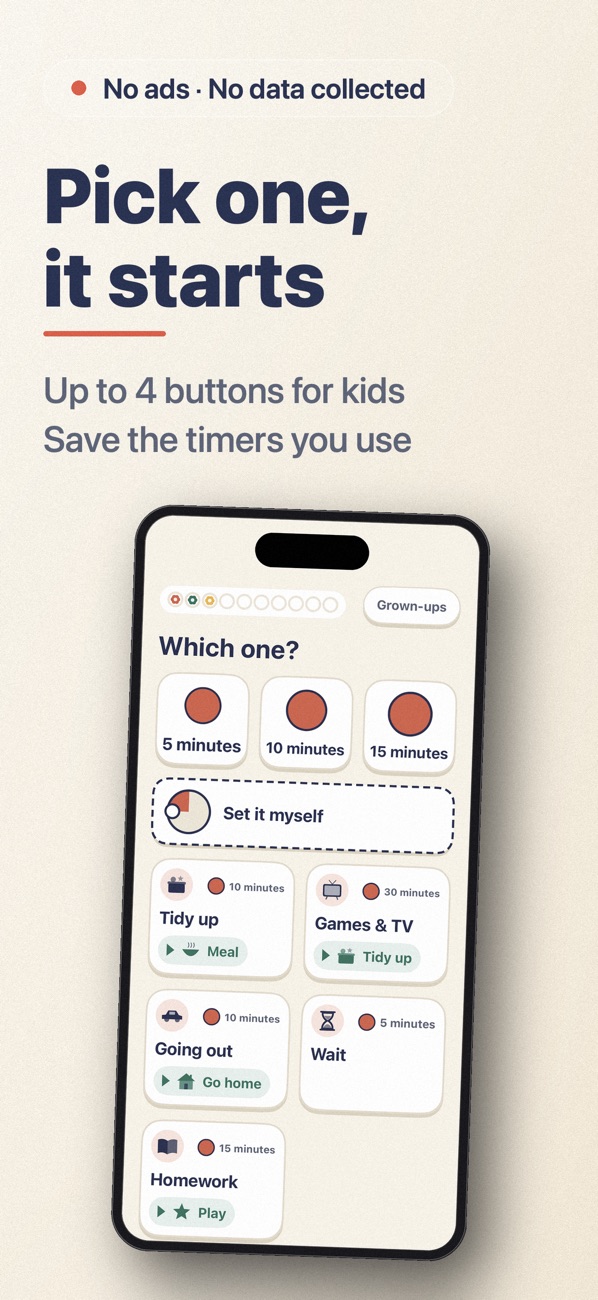
By default, the child screen shows no Pause or Stop. To stop, tap "Grown-ups" at the top right, pass the parent check, then pause, resume or stop. Or let your child stop it by holding until the ring fills. If stopped early, "You got this far!" appears and the time is recorded.
- 05
Touch-proof lock
With "Lock" on, touches change nothing; unlocking needs a parent check. It can lock at start and stays locked after reopening.
- 06
Stamps
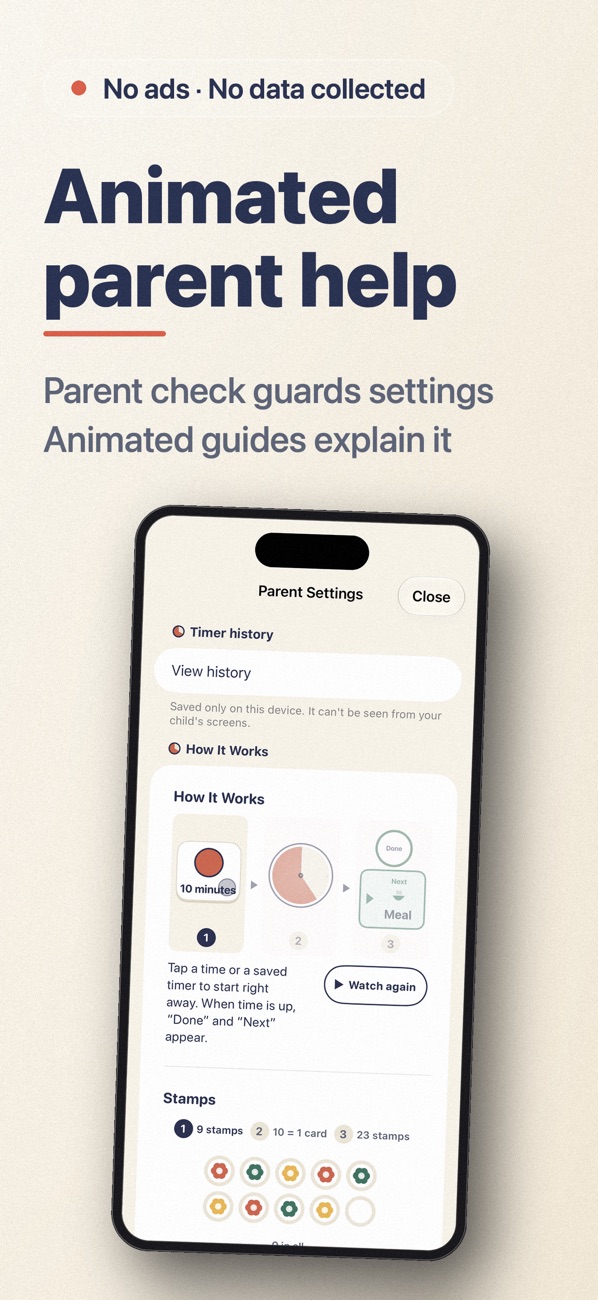
Each finished timer earns a stamp; 10 make a card. Separate records for each sibling, kept on the device through updates.
Screens
Free vs. one-time purchase
- Free: time buttons, built-in saved timers (with Now → Next), any time set on the parent screen, the disk, layouts and landscape, the clock and "Set it myself", timer history, heads-ups, alerts including the wood block, lock, stamps, notifications, widgets and shortcuts. One child.
- One-time purchase "Unlock All": add, edit and reorder saved timers, more children, bar and sand timer, and chime, bell and gradually louder sounds. Buy once, keep it for good.
- Family Sharing is supported.
- The purchase screen is only behind the parent check. Refunds never delete your timers or records.
- No ads, accounts, data collection or internet connection.
FAQ
The end sound does not play when the app is closed
Please allow notifications for the app in your device settings. On iPhone: Settings → Notifications. On Android: Settings → Apps → Notifications. On Android, battery saving settings can delay notifications.
I can't open the settings
Settings are for parents. Tap the parent button at the top right, then enter the number shown in words using the number buttons.
How do I turn off the lock?
On the locked screen, tap the parent button at the top right and enter the number shown in words.
I want to use my purchase on another device
On a device signed in with the same Apple ID or Google account, open the parent settings, go to the "Unlock all" section, and tap "Restore purchase".
Will my records be deleted?
Updates do not delete them. Records are kept only on the device and are removed if you delete the app.